
Prevent Downtime at Supply Changeover
Mar 2nd 2026
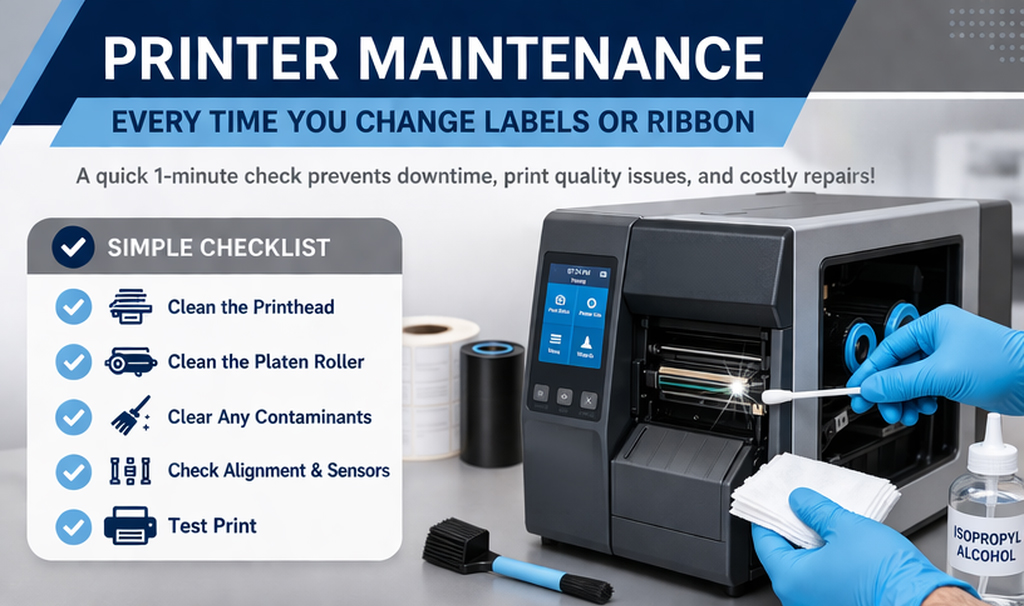
Everytime we change the labels or ribbon, it is a perfect opportunity to do a quick maintenance check to prevent issues and keep your printer running at its full potential. Skipping this essential step will only create more problems for you down the road.
Simple Checklist
- Clean the printhead
- Clean the platen roller
- Clear any contaminants
- Check alignment and sensors
- Test print
Clean the Printhead
The printhead is the most critical part of your printer. Residue, dust, and adhesive build up over time, damaging the printhead and decreasing its life. Use 99% isopropyl alcohol applied to a lint free cloth and wipe side to side across the print line.
Clean the Platen Roller
This is the roller under the print head. Debris and adhesive can cause skipping and inconsistent print position. Any cuts or missing pieces can cause poor print quality. Use 99% isopropyl applied to a lint free cloth and clean completely around the roller.
Check Alignment and Sensors
Make sure all label guides are in the proper position and that all sensors are placed to accurately detect gaps or marks. This will prevent label skipping and possible web breaks.
Test Print
Check for a clear and sharp print. Make adjustments if necessary.
You are already opening the printer to change supplies. Take an extra minute to maintain it. This will prevent downtime and ensure you labeling operations run smoothly.